From proposal to live project
Import a proposal from Grant Genius and turn it into a project, or start from scratch with ready-made templates.
Manage project elements and budgets in collaborative views. Convert a Grant Genius proposal into a live plan, and link notes (Grant Mind) and documents (Grant Hub).
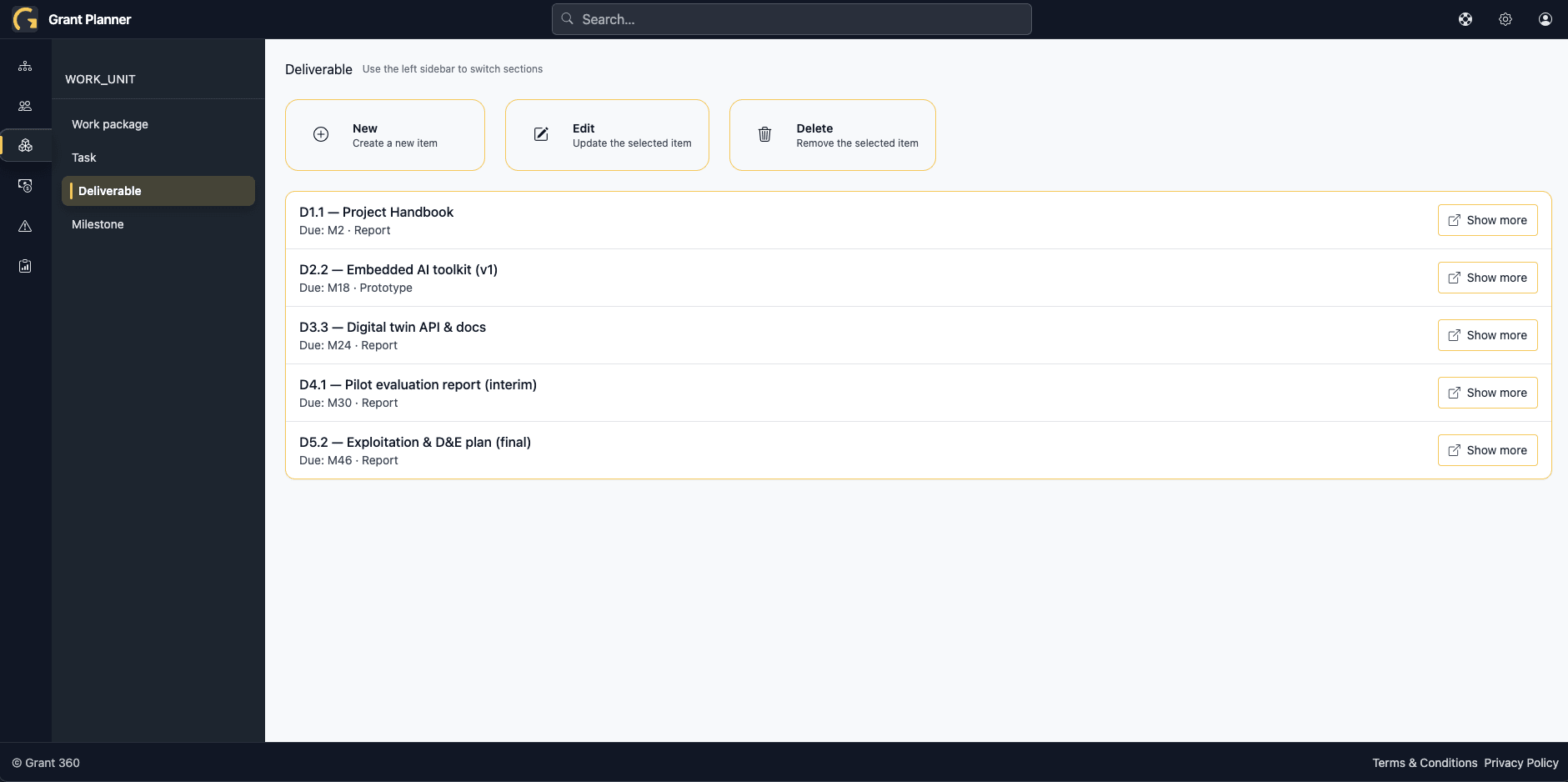
Horizon Europe project delivery is fragmented across spreadsheets, emails and siloed tools. Keeping work packages, tasks, deliverables, milestones, budgets, effort and risks aligned across partners is error-prone; dependencies slip, versions diverge, and reporting turns into a manual chase.
Import a proposal from Grant Genius and turn it into a project, or start from scratch with ready-made templates.
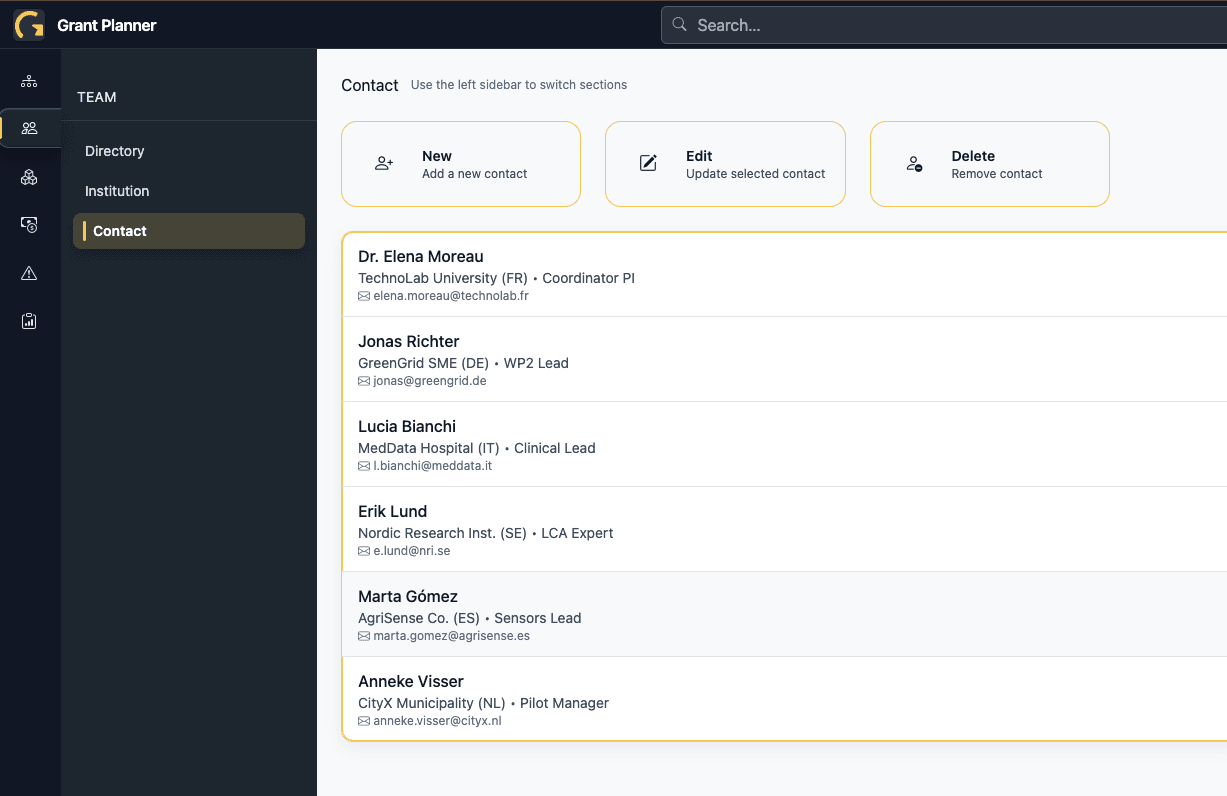
Centralize information about partners, roles, contacts and responsibilities in one place.
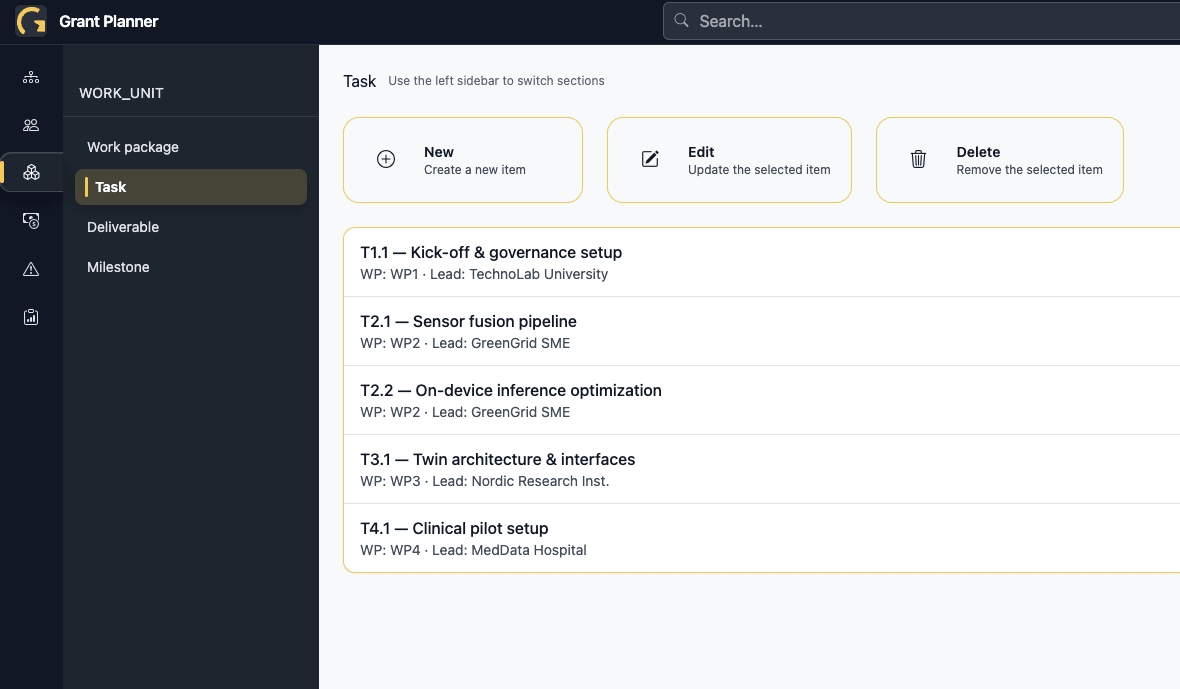
Share work packages, tasks, deliverables and milestones in list, table, Kanban and Gantt views for the whole consortium.

Track execution versus plan (deadlines, completion) and expenses versus budget (effort and costs).
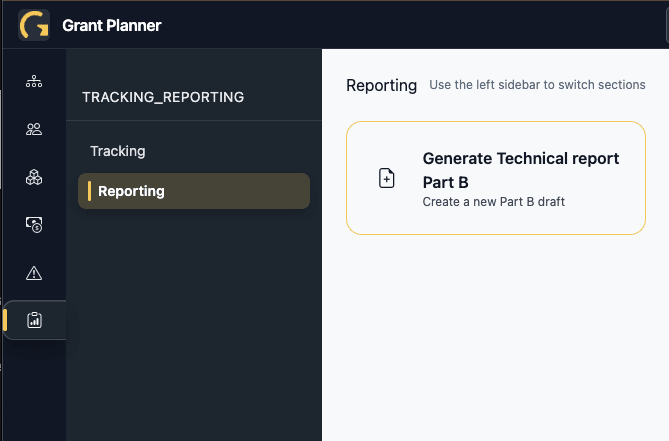
Produce periodic and final reports aligned with Horizon Europe requirements, with a clear audit trail.
Create a new project or import your Grant Genius proposal to prefill work packages, tasks, deliverables, partners and budgets.
Invite teammates and partners; assign contributor or read-only access per work package, task or module.
Use the consortium hub to share scope, responsibilities, deadlines, templates and documents.
Enter expenses, staff effort and deliverable or milestone submissions on the go; monitor execution versus plan and budget.
Create Horizon Europe–compliant periodic and final reports from live project data, with a clear audit trail.
10 critical people management risks in Horizon Europe projects. Find out which people problems to monitor and how to be ready to react.
| Criteria | Grant Planner | Specialised tools (e.g., Trello) | General platforms (Asana, Jira, Monday) | Spreadsheets + Google Drive |
|---|---|---|---|---|
| From proposal to live project | ✓ | No import from Grant Genius; manual setup | No import; complex templates to adapt (not Horizon-specific) | Manual copy-paste from proposal; no linkage |
| Consortium hub | ✓ | Basic fields; no consortium directory | Possible via custom fields, but complex and not adapted to Horizon projects | Scattered sheets and docs; hard to keep in sync |
| Multi-view planning (list, table, Kanban, Gantt) | ✓ | Kanban mainly; Gantt via add-ons/power-ups | Available but requires heavy configuration/licensing; not Horizon-specific | No Kanban; Gantt is manual or via add-ons |
| Progress and budget tracking | ✓ | No native budget/effort tracking | Possible with significant customization; not ready for Horizon reporting | Manual formulas; error-prone |
| Horizon Europe–compliant reporting | ✓ | — | Not Horizon Europe–specific | Manual formatting; no audit trail |
| Notes and documents, connected (Grant Mind & Grant Hub) | ✓ | Attachments only; no structured link to project items | Attachments/integrations, but not tailored to Horizon workflows | Files spread across folders; no linkage to items |