Grant Genius

Guided, compliant Horizon Europe proposals

Focus on the content; we guide the structure and handle the formatting.
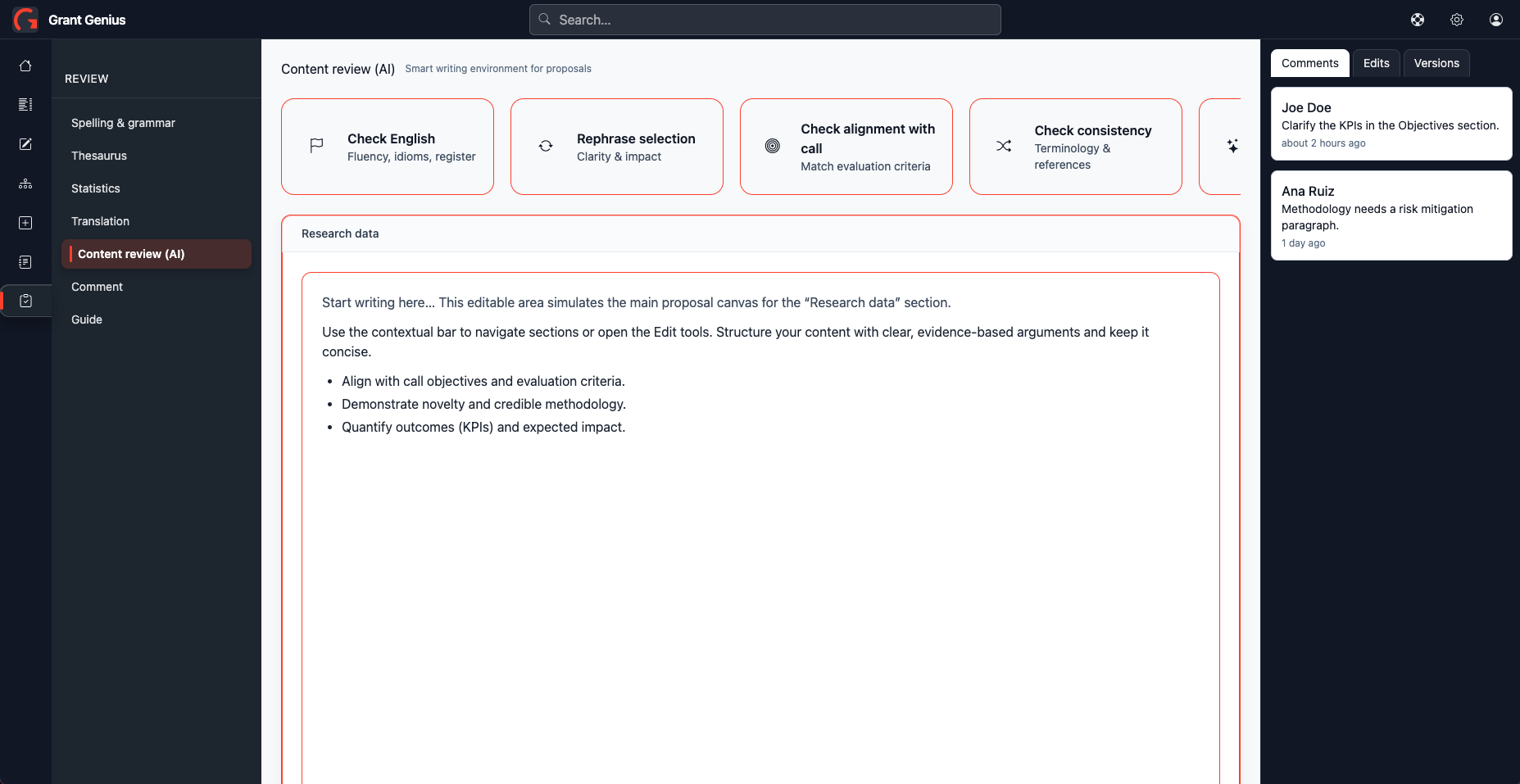
The challenge

Horizon Europe proposals demand exact structure, strong narrative coherence, and up-to-date compliance. Drafting and aligning contributors is slow and error-prone.

Who it is for

Key capabilities

Structured sections mapped to Horizon Europe

Structured sections

Write directly into fields pre-mapped to Horizon Europe sections — the structure is handled for you.
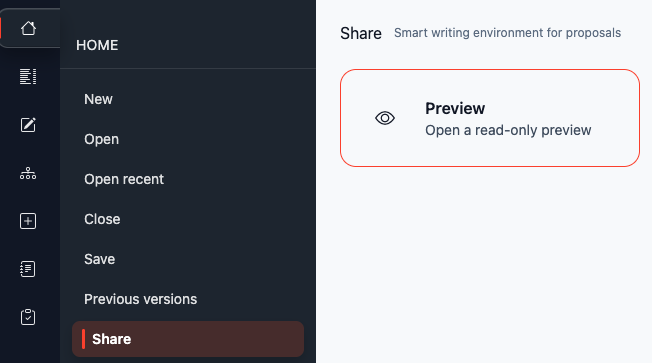
Automatic formatting

Automatic formatting

Focus on content; formatting is automated end-to-end.
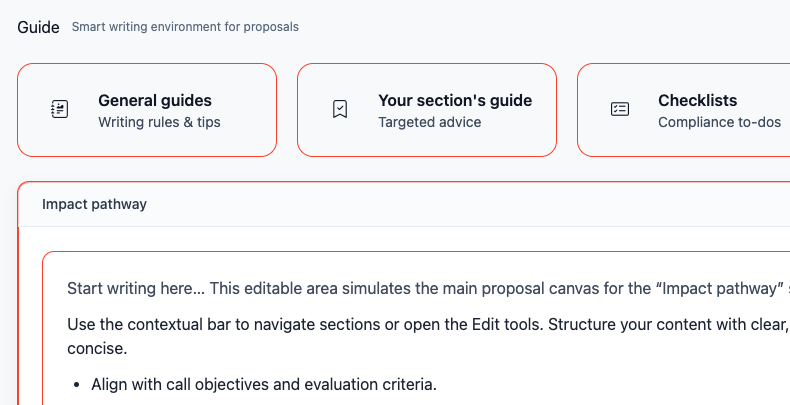
Guided drafting interface

Guided drafting

Contextual guides, checklists, and AI support tailored to research proposals.
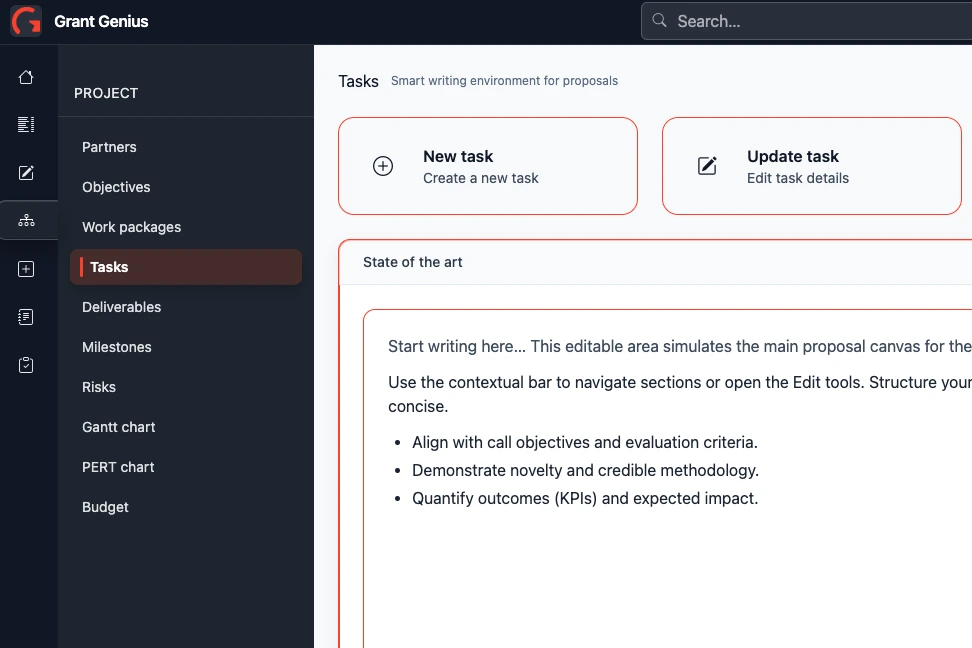
Manage repeated content

Manage repeated content

Define work packages, tasks, deliverables, and milestones once — updates propagate across the proposal.
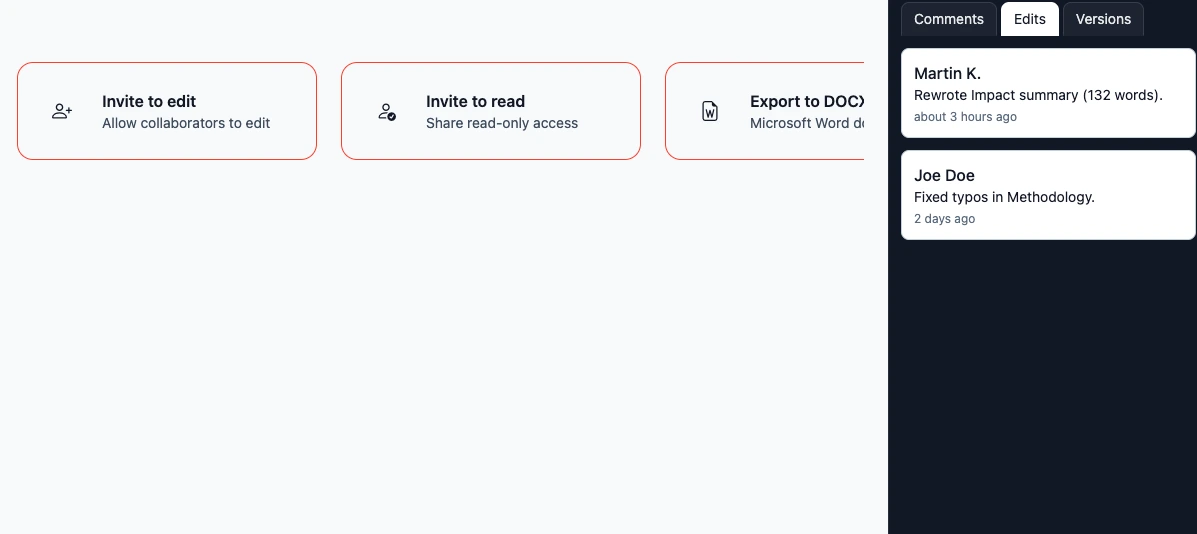
Version control and diff

Collaboration and version control

Invite writers or readers; track changes, compare versions, and safely roll back.
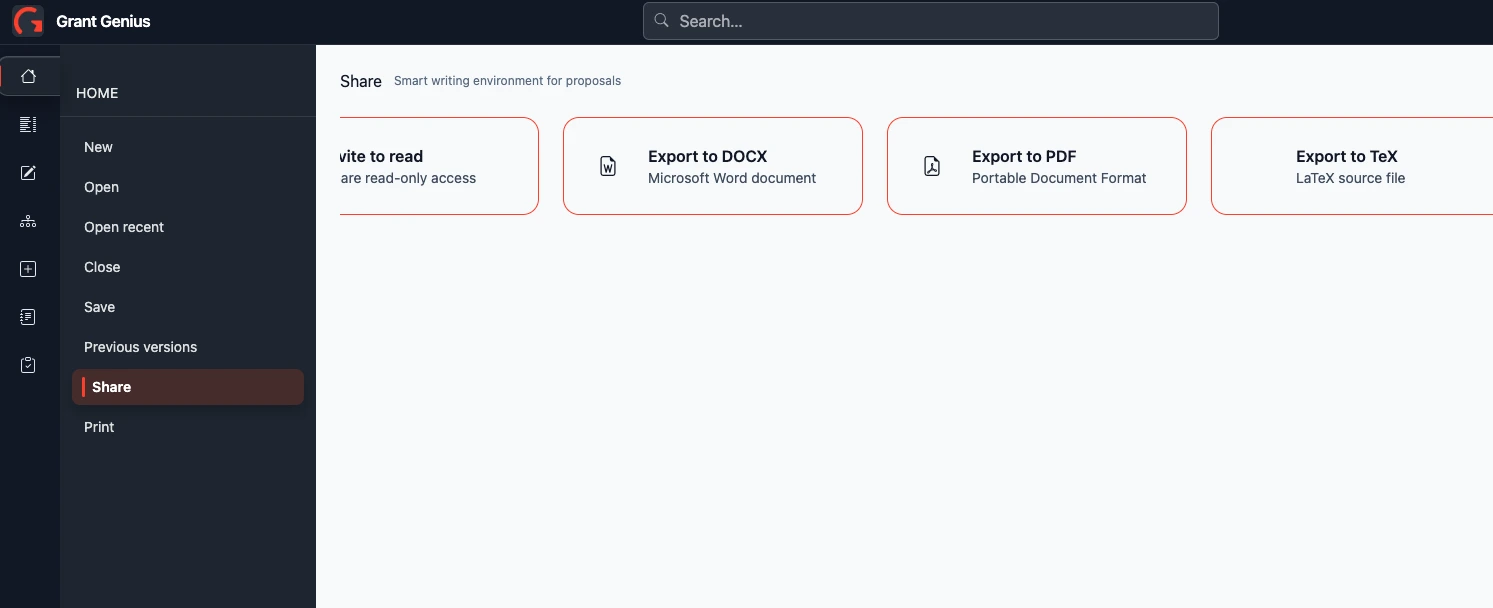
Export formats: DOCX, PDF, Markdown, LaTeX

Clean exports

Export cleanly to DOCX, PDF, Markdown, or LaTeX (Pandoc-ready).

How it works

  1. 01

    Select your call

    The correct template loads automatically with all required sections.

  2. 02

    Draft & refine

    Write without worrying about formatting. Repeated items (work packages, tasks, deliverables, milestones) update everywhere.

  3. 03

    Be guided

    Each field includes contextual guidance. Use AI for suggestions, coherence checks, and English proofreading.

  4. 04

    Invite collaborators

    Work as a team: set access rights, track contributions, and manage version history.

  5. 05

    Review & export

    Resolve comments, validate content and structure, then export to DOCX, PDF, Markdown, or LaTeX—no lock-in.

Get a freebie

30 Critical Mistakes That Kill Horizon Europe Proposals — and how to avoid them. A high-value, all-level guide covering structural, strategic, and writing mistakes that evaluators notice immediately.

FAQ

What is Grant Genius?
Grant Genius helps you write Horizon Europe proposals. You focus on the content; we guide the structure and handle the formatting.
What’s the added value of using Grant Genius?
Save time with guided structure and automatic formatting, ensure fit with Horizon Europe requirements, and collaborate seamlessly with roles, comments, and versioning.
Does it support consortium collaboration?
Yes — roles, comments, reviewer mode, and read-only seats.
Are your templates up to date with the European Commission?
Yes — we keep our templates aligned with the latest European Commission documents and requirements.
Can I work offline?
Yes — there’s an offline mode. Your changes sync when you reconnect, or on demand.
Is our data safe?
Yes. Your data is hosted in the EU and encrypted at rest and in transit. We’re GDPR-aligned and built with European technology for strong data sovereignty.
Do you provide Artificial Intelligence (AI) features?
Yes — proofreading, coherence checks, and content suggestions. We use Mistral AI (France-based). In local mode, models run on your machine, and no proposal content is sent to external servers.
Can I write proposals for programmes other than Horizon Europe?
For now we support Horizon Europe only; other programmes are planned.
Can I export directly to the EU Funding & Tenders Portal?
Not at this time. The European Commission does not allow direct export. Export your proposal as a PDF and upload it to the portal.
Do I own the intellectual property of my proposal?
Yes — you own your proposal. We don’t access your content, and it remains encrypted.
Does Grant Genius track the page limit?
Yes — we track page count and alert you when you exceed the limit.
Am I locked in? Can I export my proposal?
No lock-in — export to DOCX, PDF, LaTeX, or Markdown and continue in your preferred tools.

Comparison: Grant Genius vs Word, Google Docs, ChatGPT

CriteriaGrant GeniusMicrosoft WordGoogle DocsChatGPT
Structured sections Templates only (manual) Templates only (manual) Assistive text, not enforced
Automatic formatting Styles/templates (manual) Styles/templates (manual)
Guided drafting Grammar/style tips only Grammar/style tips only
Manage repeated content Manual cross-references Manual No document-wide links
Collaboration & version control Track Changes; OneDrive versions
Clean exports DOCX/PDF DOCX/PDF Text only (MD/LaTeX)